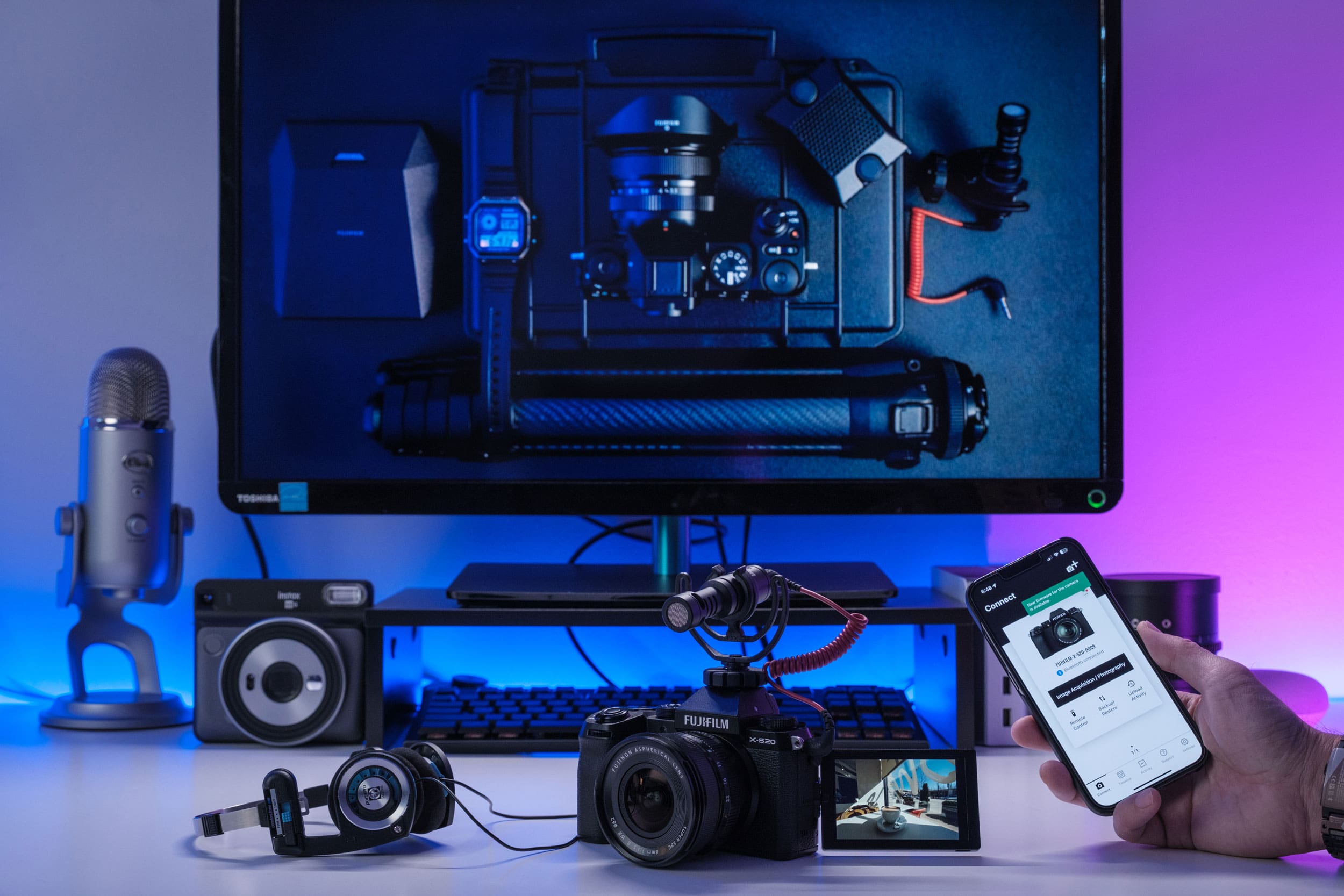
Fujifilm’s XApp took over from the older Camera Remote app, and DPReview has now given it a full workout. Dale Baskin paired the app with an X-T5 and ran it on both an iPhone 17 Pro Max and a Google Pixel 11 Pro XL, publishing the results on September 4, 2026. The short version: a huge improvement on its predecessor, though not flawless.
XApp is free on iOS and Android, and Fujifilm released it on May 24, 2023. Rather than acting as a simple remote trigger, it works as a dashboard for the camera — transfers, live view control, location data, settings backups, firmware and a running log of what you have shot. Pairing happens over Bluetooth, with Wi-Fi taking over for anything data-heavy. Support reaches back to camera models from 2018, with the GFX 50R the oldest body on the list, though not every Fujifilm camera is covered.
The transfer screen is the part most owners will live in. It presents a gallery you can filter by star rating, file type, folder and subject type. In testing, five 40MP RAW/JPEG pairs took roughly three minutes to land on the phone; JPEGs alone took 45 seconds. There is a downsizing option that drops images to 3MP for social posting, and an automatic transfer mode that queues files rather than sending them in real time.
Remote shooting covers the essentials:
- Exposure — shutter speed, F-stop and ISO from the phone
- Look — film simulation and white balance selection, plus flash
- Focus — tap-to-focus, with a slight lag, and minimal shutter lag when firing wirelessly
Geotagging leans on smartphone location sync: the phone’s GPS fix travels to the camera over Bluetooth and gets written into image metadata, with sync intervals adjustable from 10 to 480 seconds. It works, until the app goes dormant and quietly stops updating — restarting XApp brings it back, which is exactly the kind of behavior that makes photographers stop trusting a feature.
Camera settings backup is the sleeper feature. Multiple named profiles can be saved and restored, which matters if you rebuild a camera after a reset or juggle two bodies. Two caveats: network settings and custom white balance are not included, and restores have failed where firmware versions did not match. Firmware updating is semi-automatic — XApp downloads the update and pushes it to the memory card, but installation still happens on the camera itself.
The Activity and Timeline sections turn shooting history into infographics and a chronological record of shoots and gear changes. They require signing in with an Apple or Google account and are not offered in every region. On iOS, tapping the Activity infographics crashed the app repeatedly during testing.
Other rough edges: occasional Wi-Fi drops that need an app restart, no way to manage custom film recipes, and Fujifilm’s own product ads sitting in the timeline. None of that undoes the fundamentals — but anyone who depends on geotagging should keep a close eye on the results.