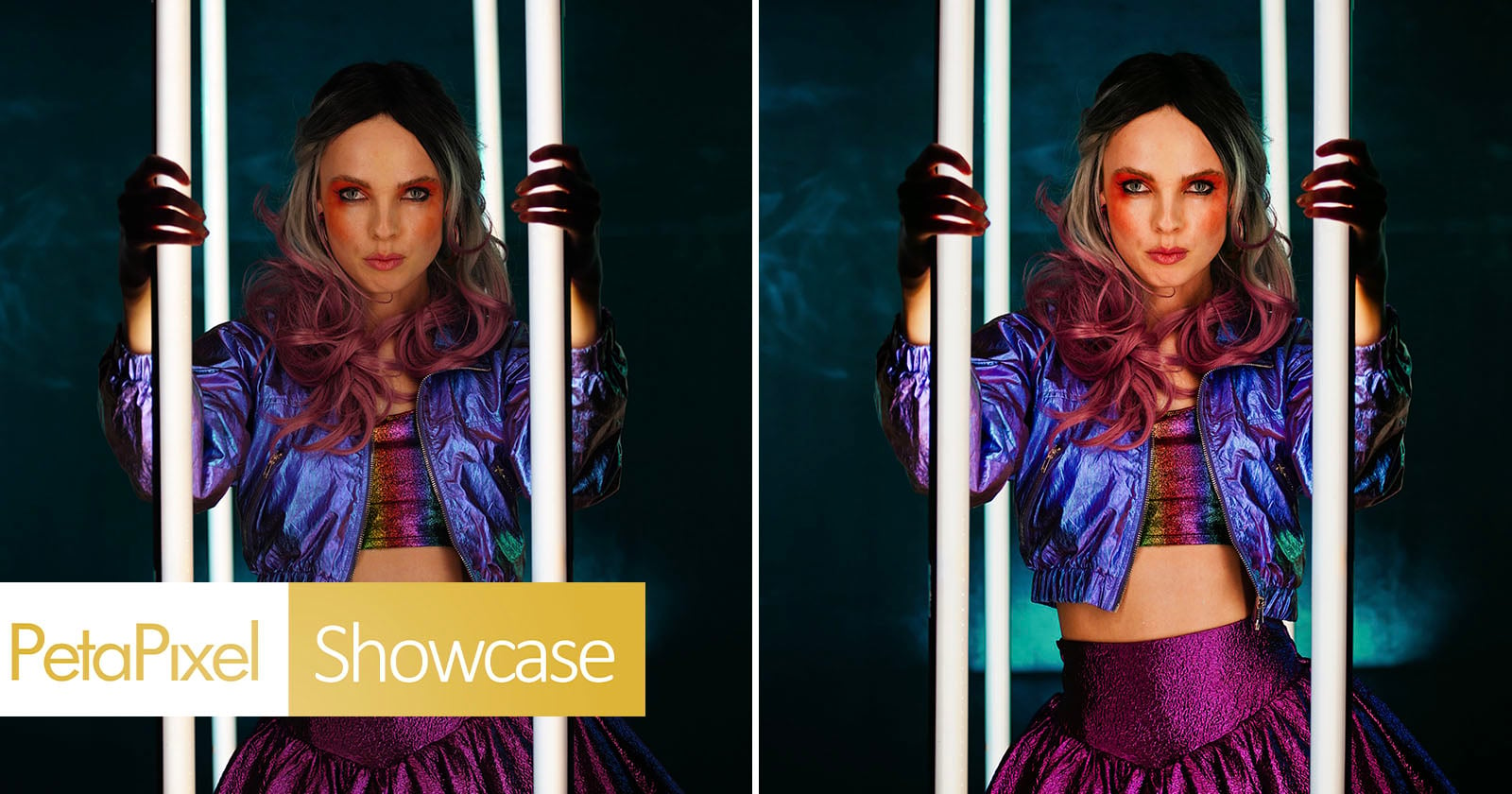
For years, AI photo platforms have followed the same order: import, cull, edit, export. With Intelligent Studio, Imagen drops that fixed sequence. The new post-production workspace lets photographers cull, edit and organize a shoot in whatever order suits the project, and it began rolling out to existing Imagen customers on September 29, 2026.
The biggest structural change is that Imagen now has a full manual RAW editor built into its platform for the first time. Until now, Imagen was mostly the place where AI did the first pass before you sent the files on to another application. Imagen does not pitch the new editor as a Lightroom replacement. Intelligent Studio is meant to work alongside existing editing and cataloguing setups, but far more of the job can now stay in one window.
The editor’s controls include:
- white balance, exposure, contrast, highlights, shadows, texture, clarity, vibrance and saturation
- RGB and parametric curves, HSL, point color and color grading
- sharpening, noise reduction, lens corrections, geometry, vignette, film grain and calibration
- crop and straighten, manual masks, editable AI-generated masks and reusable presets
Intelligent Studio accepts JPEG, TIFF and RAW files. It exports JPEG, PNG or TIFF in sRGB, Adobe RGB or ProPhoto RGB.
Order is up to you. You can cull first, start editing before the final selects are chosen, or switch between the two as the job develops. Imagen can also cull and edit in the background while images are still uploading. Photographers who prefer to pick their own keepers can skip AI culling entirely and use only the editing tools.
An Assistant that follows plain-language instructions. The new Assistant turns plain-language requests into multi-step actions. For example, you can ask it to warm up every frame shot with a particular lens, match one photo’s look across a getting-ready sequence, raise contrast and lower exposure on yellow-labeled images, or make black-and-white duplicates of a selection. It can use lens, camera, ISO, capture time, star ratings, flags and color labels. It can also take a manual fix made on one image and carry that specific adjustment across a batch while each frame keeps its own starting point.
AI Filters built for weddings. New AI Filters surface images by people and moments. They currently recognize ceremonies, receptions and portraits, and flag closed eyes, blurry or out-of-focus frames and low exposure. Scene recognition is limited to wedding-day moments for now. Imagen says it plans to support other types of shoots.
Everything still centers on AI Profiles. These adjust each image on its own merits rather than applying the same preset to every frame. A profile can be trained on your own past edits, based on a known photographer’s style or a genre, or created from an imported Lightroom preset.
AI processing is not instant. In PetaPixel’s hands-on test, a folder of 668 images took about an hour from upload to finished gallery, and the software picked 138 keepers. For a large wedding gallery you can leave overnight, that trade-off is easier to live with.
Pricing. The pay-as-you-go plan starts at US$7 monthly, plus usage charges starting at US$0.05 per finished, exported photo. You pay for exports, not for individual actions. The flat-rate Limitless plan costs US$129 per month when billed annually.