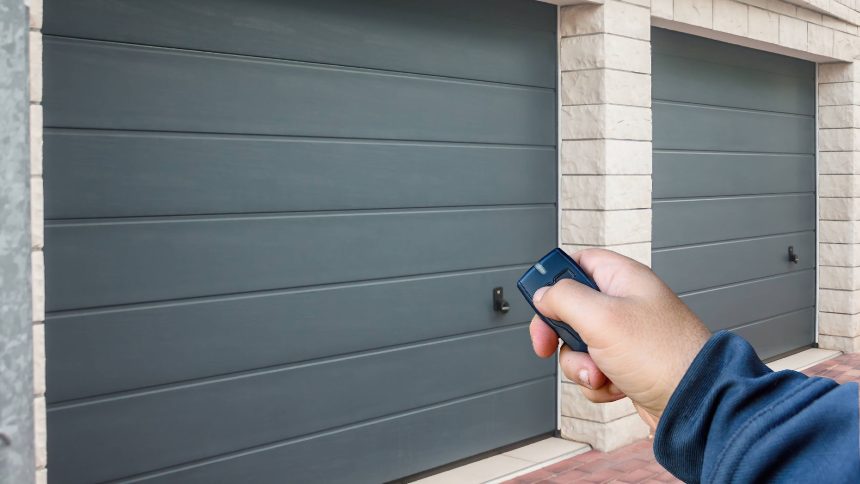
Look down at your garage door remote. Chances are it has three buttons — and chances are you’ve only ever pressed one of them. The other two aren’t decorative filler. On most modern remotes from brands like LiftMaster and Chamberlain, every button can be programmed independently, and once you know that, a cheap clicker suddenly starts to feel like a smart-home controller you already own.
The logic is simple. Each button transmits a distinct code, so it can be paired to a separate device. If your household runs two garage doors — one for the car, one for the workshop or a detached bay — button one and button two can open each independently. No more parking, guessing, and opening the wrong door.
Where it gets genuinely useful is the third button. Many garage door openers can drive accessories beyond the main door, and that spare button is the natural home for them. Depending on your setup, you can assign it to:
- A second or third garage door, so one remote covers the whole property
- A gate opener or driveway barrier compatible with the same system
- Garage or exterior lighting tied into the opener, handy for arriving home after dark
Programming is far less intimidating than the folded instruction sheet suggests. The universal method across most units is the Learn button on the opener’s motor head — usually a small coloured square near the antenna wire. Press it, and you have a short window (often around 30 seconds) to press the remote button you want to assign. The unit’s indicator light blinks or the motor clicks to confirm the pairing. Repeat for each button and each device.
A word of caution worth taking seriously: that same Learn button is how you erase memory. Hold it down for roughly ten seconds and the opener typically wipes every remote it knows, which is exactly what you want when you move house or lose a clicker — and exactly what you don’t want to trigger by accident mid-setup.
The security angle is the part most people overlook. Modern openers use rolling-code technology, meaning the transmitted code changes every time you press the button, which makes it far harder for anyone to record and replay your signal. Older fixed-code remotes don’t offer that protection, so if your opener predates rolling codes, reprogramming won’t magically add the security — but it’s a reason to check how old your system actually is.
None of this costs a penny beyond the remote you already have. The extra buttons have been sitting there the whole time, waiting for five minutes of setup. For a device most of us treat as single-purpose, that’s a surprisingly good return on doing absolutely nothing new.