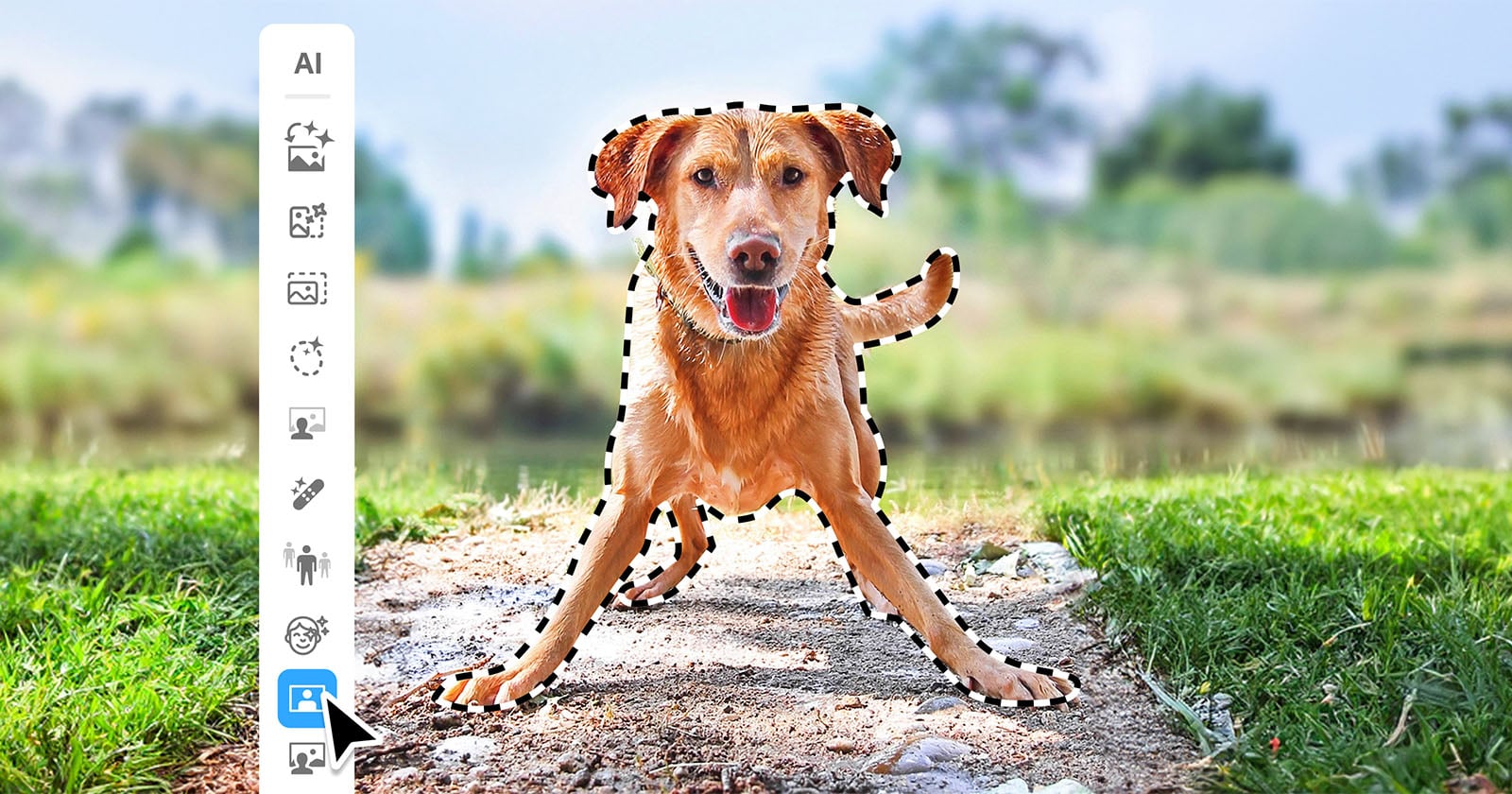
Adobe’s entry-level editors have always been where Creative Cloud features go once they’re ready for a wider audience. Photoshop Elements 2027 and Premiere Elements 2027 keep that pattern. Adobe announced both apps on September 16, 2026, and they went on sale the same day for Windows PCs and Macs. This year’s update adds a large set of AI tools aimed at people who want good-looking photos and videos without first learning a professional workflow.
Photoshop Elements 2027: generative tools and an assistant
The biggest change is AI Assistant, which Adobe had recently added as a beta to its flagship Creative Cloud apps. In Elements it is still labelled beta. It looks at the media you have open and gives step-by-step guidance and suggestions for common edits. You can also describe the result you want in plain text. Two more features come straight from full Photoshop:
- Generative Expand extends a photo past its original borders, filling the new space with AI-generated content.
- Generative Upscale raises the resolution and sharpens detail, which helps with older, low-resolution shots you want to share or print.
- Creative Filters such as Embroidery, Oil Painting and Duotone, with adjustable intensity, texture and color.
- An AI Tools Hub that puts all of the app’s AI features in one place.
The classic tools for cropping, exposure and color are still there. The AI features are an addition to them, not a replacement.
A smarter Organizer
The Elements Organizer, which comes with both apps, is now better at finding things. Semantic Search, an English-only beta, lets you find photos and videos by describing them in natural language. An improved duplicate finder helps clear out extra copies, and Share to Phone sends edited images to a mobile device with a QR code.
Premiere Elements 2027: filling gaps in the timeline
On the video side, Generate Image creates a shot to fill a gap in the timeline or an overlay to place on top of footage. Generative Title Art turns a text prompt into stylized title graphics. A new Contextual Toolbar lets you find a tool by describing the task you want to do. New Editing Indicators show where effects, transitions and text have been applied, so they’re easy to find and adjust later. Adobe also includes sample photos and videos so newcomers can try the features before using their own footage.
Pricing, credits and hardware
Each app costs $99.99 for a three-year license, and current users can upgrade for $79.99. The bundle with both apps costs $149.99 for new users or $119.99 as an upgrade. The license is a term license: when the three years end, you lose access to the apps, but your media catalog stays in the Organizer. According to DPReview, each standalone app comes with 25 generative credits per month and the bundle with 100 per month. Extra credits are available through an AI subscription. Adobe recommends at least 16 GB of RAM for HD media and 32 GB or more for 4K content.
Both apps are sold directly by Adobe and through retailers including Amazon and Best Buy.