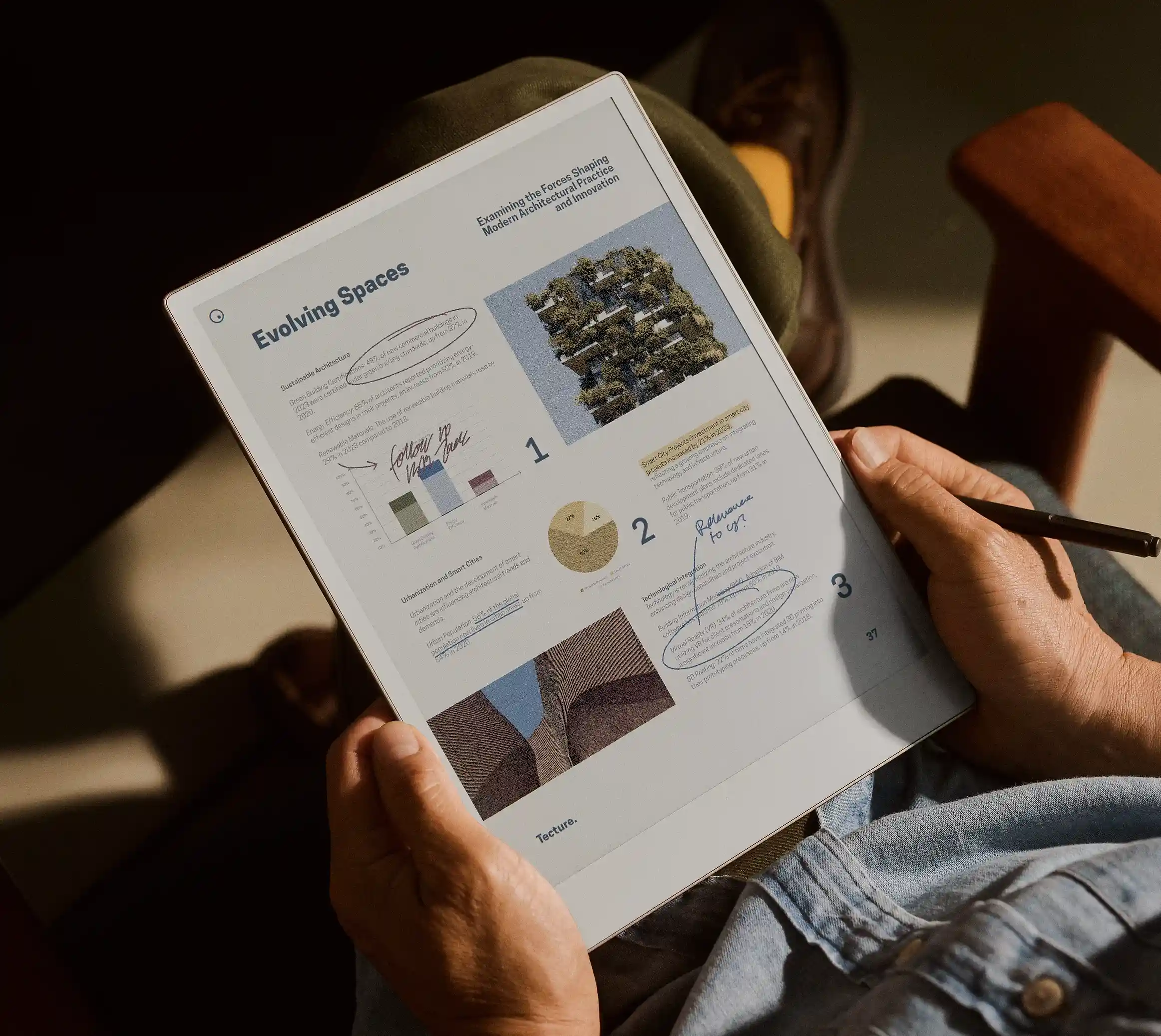
Google taught phones to circle something on screen and search it. reMarkable has borrowed the gesture and aimed it somewhere more useful for people who live in notebooks — the clipboard. The update detailed on September 4, 2026 introduces a capture tool that turns any part of what is on the E Ink screen into a reusable image.
The mechanics are refreshingly blunt. Draw a loop around whatever you want to keep, and the tablet clips it as an image you can paste into a different note. Despite the shorthand everyone is using, the shape does not actually have to be a circle — any enclosed scribble does the job. The source material is not fussy either: a diagram buried in a PDF, a figure in an EPUB, a sketch sitting in another notebook. Good e-Reader’s rundown of the release adds that captured content can be duplicated, resized, rotated or moved across pages and notebooks, which turns the feature from a copy button into something closer to a lightweight layout tool.
Anyone who has tried to redraw a schematic by hand into meeting notes will understand why this matters more than the marketing line suggests.
The rest of the release reads like a list of small irritations being retired:
- New pen colors. Green, yellow, cyan and magenta join the palette, and reMarkable says it optimized the gray shades so they are easier to tell apart.
- Calmer reds. Good e-Reader reports improved color rendering for red tones on color-supported devices with the ballpoint, fine-liner and calligraphy brushes, removing the screen-refresh flash those strokes used to trigger.
- Cloud image import. JPG and PNG files can be pulled in from Dropbox, Google Drive or OneDrive through the Convert to Notebook tool.
- EPUB, rebuilt. The reading UI has been redesigned, formatting improved and language support expanded, with easier font and layout choices.
- Faster sharing. The share button has moved out of the three-dot menu and onto the main toolbar.
- Web App drag and drop. Files can now be dragged straight into the browser interface.
The EPUB work is the quiet standout. reMarkable’s tablets have always been happiest with PDFs and blank pages, while ebooks were tolerated rather than courted. A proper typography and formatting pass, plus wider language coverage, moves the devices closer to being a plausible reading machine rather than strictly a writing one.
None of this is a hardware story, and reMarkable is not pretending otherwise. It is the more interesting kind of update — the sort that makes an already-purchased device measurably better at the thing its owner bought it for. The capture tool in particular fills a gap that has annoyed users for years: getting visual material from one document into another without redrawing it, screenshotting it, or giving up and reaching for a laptop.